Communication (Custom Read Remapping)
Custom Read Remapping Settings
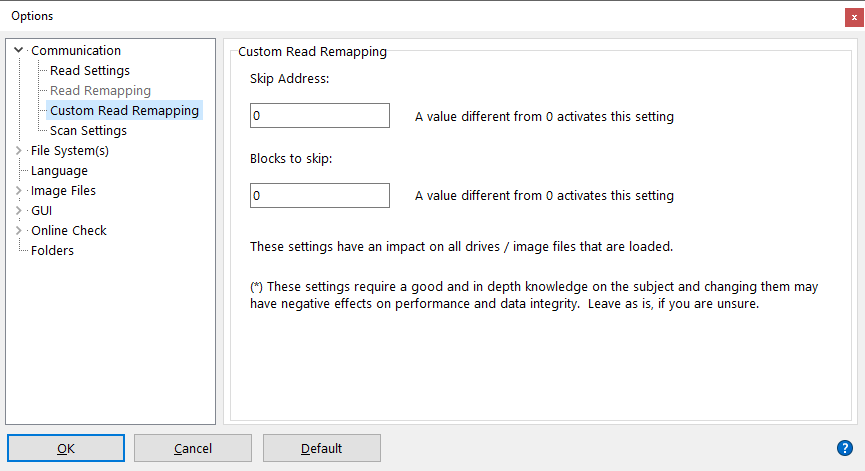
This is an [Enterprise] feature intended for professional data recovery users that come across discs sometimes where data appears to be shifted. Very rarely one comes across a bad disc or other media where the data appears to be shifted one or more blocks, starting at a certain block offset. Mostly this is due to a bug in the mastering software that created the disc.
Identifying such a problem requires the help from some good hex editors and/or the Sector View feature in IsoBuster.
The functionality is straightforward. A start address determines where IsoBuster will skip the set amount of blocks.
Example: Suppose the file-system says that file x is located at address y and an investigator finds that the file in reality is located at address y+1, and all data after this point appears to be shifted as well, then setting this feature to skip 1 block starting at address y will suddenly fix everything. File x and all files and folders behind it, located physically at higher addresses will then suddenly extract properly.
This feature's settings are not saved on exit of the program